

 Hajra Naz
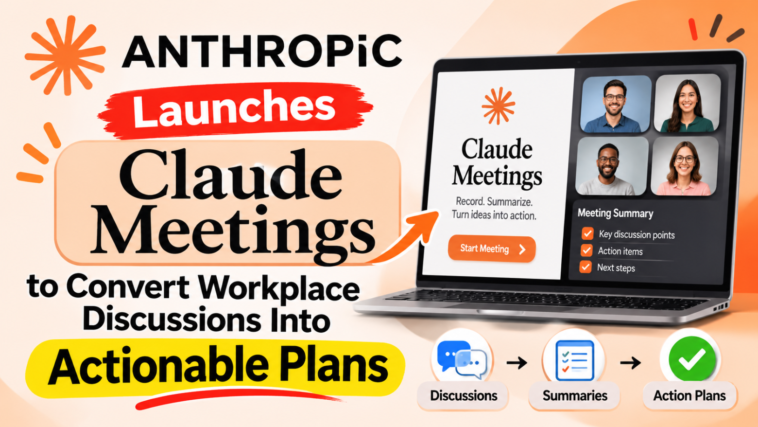
Anthropic announced on Tuesday that it has expanded its enterprise product line to include three additional work-related productivity applications (Claude Meetings, Claude Whiteboards, and Claude Sheets).
The product launch will be a follow-up to other enterprise workspace releases made by competitor organizations such as OpenAI, Meta, and Google. AI labs are now developing all-inclusive office suite products that can compete with the current enterprise software landscape.

Claude Meetings: Real-Time Video Call Integration
Organizations can invite Claude into video meetings as a visible meeting attendee through Claude Meetings. As the team members talk during the meeting, the assistant is listening to what they are saying and will simultaneously execute various actions based on their requests.
While on live calls, Claude is capable of creating strategic plans, developing project timelines using whiteboards, answering chat questions, and accessing data from other company-wide tools. All notes and actions generated during the call will be synced with the user’s claude.ai workspace after the call.
- Claude announces when he enters a meeting chat and lets everyone know that he is part of the AI.
- An administrator can allow external guests to join a call, but otherwise the bot will block them and then exit if an external guest joins.
- Platform Availability: This feature will be available in beta for Team and Enterprise subscribers. It will first be integrated into Google Meet.

Read More: Anthropic unveils Mythos 5.2 and Fable 5.2 with boosted technical capabilities
Claude Whiteboards: Collaborative Visual Planning
Claude’s whiteboard is an online digital space that allows team members to brainstorm ideas and discuss their thought processes. Claude takes the brainstorming session from being just words and converts it into a visually based process flow, complete with a timeline and deadline.
Teams can work together on a single canvas at the same time, rather than sharing ideas via chat applications and then copying/pasting into other tools. When you are finished with a session, Claude can convert your whiteboard drawing into either a formal document or a presentation.
Whiteboards are also integrated into Claude Meetings, which automatically updates the visual map as a meeting takes place. This function is currently in beta for all paid users of Claude Meetings on the web, desktop, and mobile.
Claude Sheets: Collaborative Spreadsheet Automation
Claude Sheets is introducing multi-user spreadsheet creation and editing right within the work environment. Teams can ask for complicated spreadsheets, such as marketing campaigns, hiring budgets, etc., through natural language prompts.
Claude performs the initial phase of creating a spreadsheet by setting up its structure, integrating formulas, applying conditional formatting, and organizing data into multiple tabs. As the assistant works on the spreadsheet with human users, it makes changes to individual cells while maintaining an ongoing record of each modification.

Claude Sheets is now available in beta to all paid users of Claude’s web-based, desktop-based, and mobile-based services.
Read More: Anthropic Signals AI Models May Soon Accelerate Their Own Development
Enterprise Analytics and Interactive Connectors
Anthropic announced that Claude Data—previously referred to as Claude Dashboards—is now commercially available. The software allows users to connect Claude to corporate data repositories such as customer relationship management (CRM) systems and/or enterprise data warehouses. Once connected to these repositories, users can run queries on their company’s data in order to create visualizations of the data through dashboards, analytical reports, or even narrated video explanations of the data.
Additionally, the company introduced interactive connectors to leading software providers. The new connectors allow users to open tools such as Adobe, Atlassian, and HubSpot right next to their active Claude conversations. Users are able to direct the assistant to perform workflow actions on each of those outside platforms within the confines of the workspace interface.