

 Hajra Naz
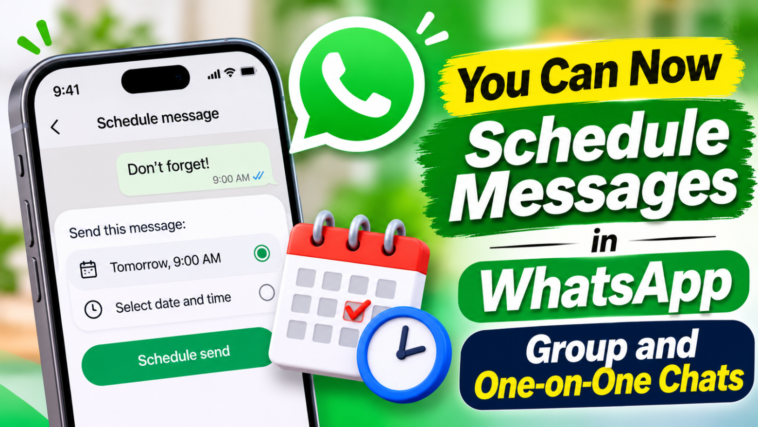
WhatsApp launched a heavily requested feature on Wednesday. Users can now schedule messages in both individual and group chats.
The update is rolling out worldwide on iOS and Android. It works right inside your existing chat window.

| Feature Detail | What It Supports |
| Supported Chats | Both one-on-one and group conversations |
| Platforms | Global rollout for iOS and Android |
| Scheduling Window | Anywhere from 10 minutes up to 14 days ahead |
| Media Types | Text messages, photos, and videos |
| Offline Delivery | Sends automatically even if your phone is off or offline |
How Message Scheduling Works
Once the feature hits your device, scheduling a text takes just a few taps:
Type out your message, photo, or video inside any chat.
Long-press the Send button to open the scheduling menu.
Pick a delivery time between 10 minutes and 14 days in the future.
Alongside viewing and removing messages from your sending queue, it is currently uncertain if the send time of messages can subsequently be changed. Fortunately, messages will still be sent at the prearranged time even if your phone has no network connection or shuts down.
Read More: Why WhatsApp Is Testing Chat Restrictions on Android Beta
Practical Uses and Rival Comparisons
There are many common applications for scheduled messages. For example, messages such as birthday cards can easily be prepared for dispatch at midnight, and people in different time zones can be messaged without disturbing them. Companies and employees can also prepare messages to inform customers and share business developments in advance.
Unfortunately, WhatsApp has been slow to add this functionality. Competitors, including Telegram and Signal, have had an in–app option to schedule messages for some time now – so it is great to see that Meta’s messaging service is finally providing this too.