

 Hajra Naz
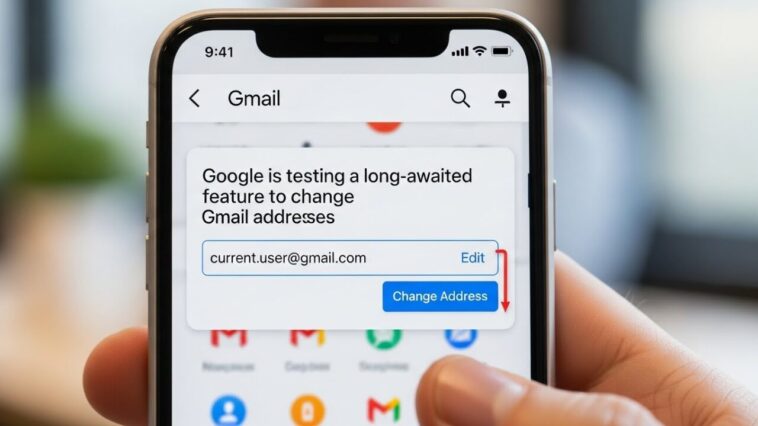
Google is testing a long requested option that would let users change the address on an existing Gmail account instead of creating a new one and migrating everything. The appeal is keeping years of mail, contacts, and linked services intact. Until it ships broadly, the safe approach is still to treat your primary address as permanent infrastructure.
Good news for anyone who’s ever cringed at an old Gmail address they made years ago: Google may finally let users change their Gmail address without losing access to their emails, files, or account history.

The update was first spotted by the Google Pixel Hub group on Telegram and later reported by 9to5Google. According to a Hindi-language version of Google’s Gmail support page, the company is “gradually rolling out” a feature that allows users to change the email address linked to their Google account—including switching from one @gmail.com address to another.
If the change goes through, your existing Gmail address won’t disappear. Instead, it will continue to work as an alias, meaning emails sent to the old address will still reach you. You can also sign into Google services with the new or old address. The catch: after you’ve made the switch, you can’t create another new Gmail address on that account for 12 months. For the time being, the rollout seems to be small.
Read More: Gmail Will Now Translate Your Emails on Phones
As of Sunday afternoon, however, a version in English of Google’s support page for the “new” Gmail still says that you generally cannot change your Gmail address. Instead, it recommends users update their display name on their account or create a completely new Gmail address and manually move emails and contacts.
Should Google proceed with that broader rollout, it would be a long overdue shift in the way Gmail accounts work—and a welcome change for users stuck with obsolete email addresses.
FAQ
Why has changing a Gmail address been impossible?
The address has functioned as the account identifier across Google services and thousands of third party logins, so changing it risks breaking sign ins and recovery paths.
Should professionals rely on a Gmail address at all?
For client facing work, a domain address you control is safer, since it survives any platform decision. That is part of owning your own presence, the same argument behind building your own freelance portfolio website rather than renting a profile.
What should you do before any address change?
Export your data, list every service using that address for login or recovery, and update two factor settings first. Recovery options are what people forget.
Last updated: August 2026.